
Quickstart
A comprehensive guide to setting up your Mudrex API key and executing your first futures trade through the API
API Key Generation
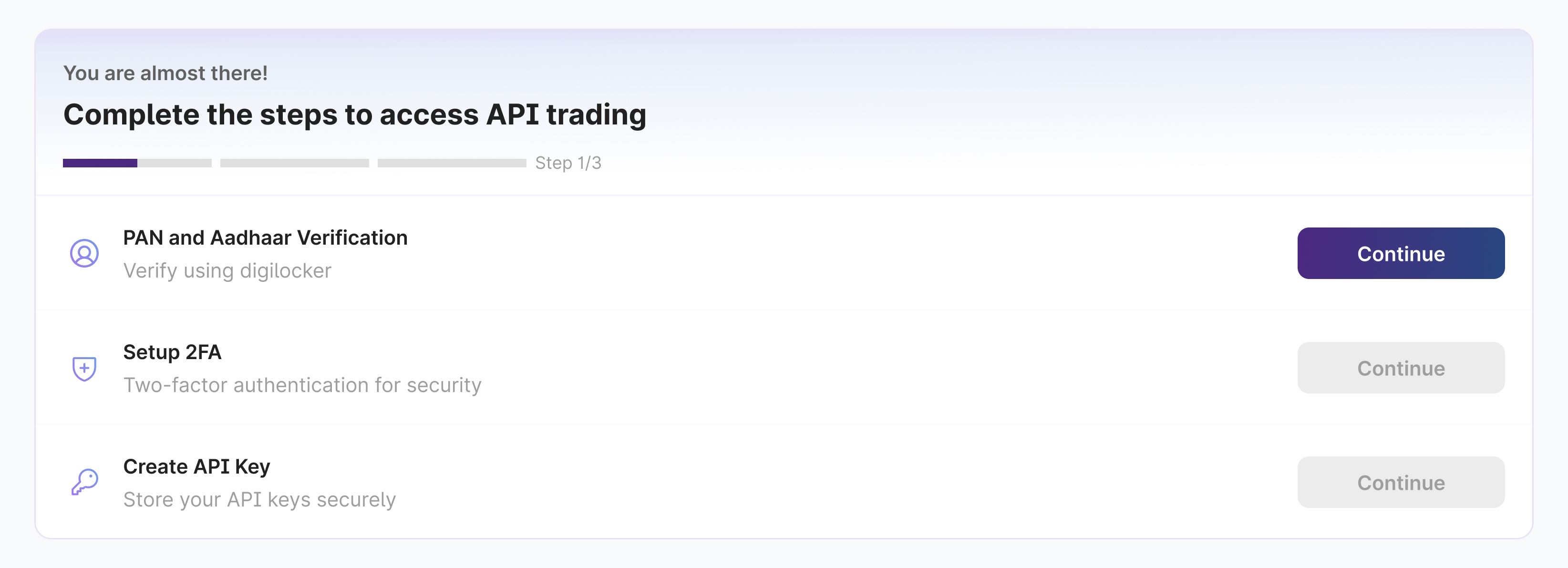
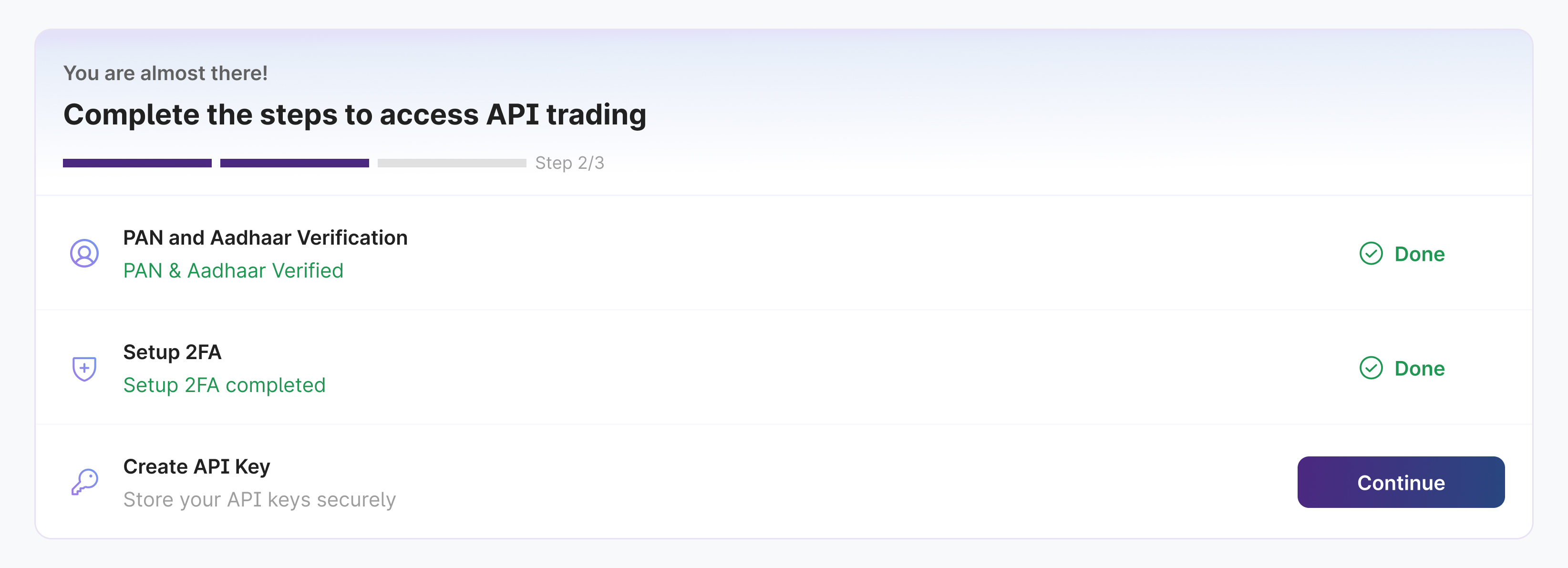
Here's a quick walkthrough to set up your Mudrex API key and unlock API trading in just a few steps.
PAN & Aadhaar Verification
Verify your identity via DigiLocker to unlock API trading for your account.
Set Up 2FA
Enable TOTP two-factor authentication. You'll need this for creating, rotating, or revoking API keys and performing other sensitive actions.
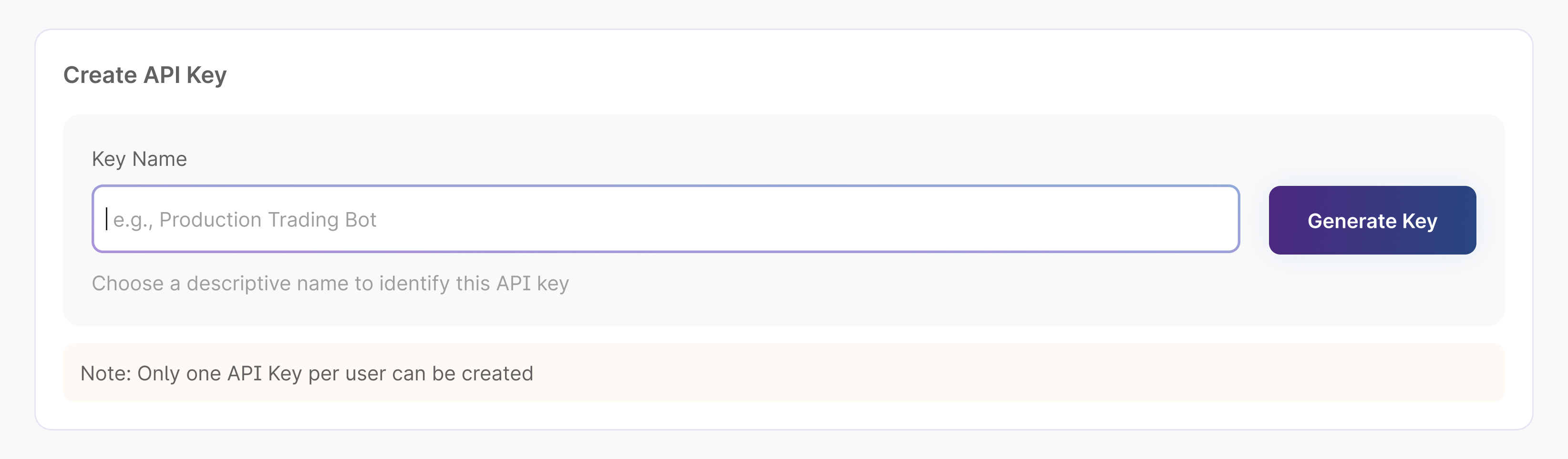
Create API Key
Give your key a clear, descriptive name and click "Generate Key" (v1.0 allows one key per user).
Copy API Key & Secret
Copy both values and store them securely. The secret is displayed only once. Use the API Secret in the X-Authentication header for every request.
Trade execution
This quickstart walks through a futures trade via API. Each step shows the USDT default and the INR variant. Add "trade_currency": "INR" to a request body (or ?trade_currency=INR on a GET) to operate in INR; omit it to stay in USDT.
1. Transfer funds to Futures
USDT — POST /wallet/futures/transfer:
curl -X POST "https://trade.mudrex.com/fapi/v1/wallet/futures/transfer" \
  -H "Content-Type: application/json" \
  -H "X-Authentication: your-secret-key" \
  -d '{
    "from_wallet_type": "SPOT",
    "to_wallet_type": "FUTURES",
    "amount": "10.5"
  }'
INR uses a dedicated endpoint — POST /futures/transfers/inr:
curl -X POST "https://trade.mudrex.com/fapi/v1/futures/transfers/inr" \
  -H "Content-Type: application/json" \
  -H "X-Authentication: your-secret-key" \
  -d '{
    "amount": "89.12",
    "from_wallet_type": "SPOT",
    "to_wallet_type": "FUTURES"
  }'
The USDT path does not accept INR; use /futures/transfers/inr for INR. See Transfer funds.
2. Set leverage
Leverage is stored per (asset, currency). USDT:
curl -X POST "https://trade.mudrex.com/fapi/v1/futures/BTCUSDT/leverage?is_symbol" \
  -H "Content-Type: application/json" \
  -H "X-Authentication: your-secret-key" \
  -d '{
    "margin_type": "ISOLATED",
    "leverage": "1.5"
  }'
INR (add trade_currency in the body):
curl -X POST "https://trade.mudrex.com/fapi/v1/futures/SOMIUSDT/leverage?is_symbol" \
  -H "Content-Type: application/json" \
  -H "X-Authentication: your-secret-key" \
  -d '{
    "margin_type": "ISOLATED",
    "leverage": "5",
    "trade_currency": "INR"
  }'
INR and USDT leverage for the same symbol are stored independently.
3. Place an order
USDT:
curl -X POST "https://trade.mudrex.com/fapi/v1/futures/BTCUSDT/order?is_symbol" \
  -H "Content-Type: application/json" \
  -H "X-Authentication: your-secret-key" \
  -d '{
    "leverage": "5",
    "quantity": "0.001",
    "order_price": "107526",
    "order_type": "LONG",
    "trigger_type": "MARKET",
    "is_takeprofit": true,
    "is_stoploss": true,
    "stoploss_price": "106900",
    "takeprofit_price": "110000",
    "reduce_only": false
  }'
INR (margin debited from the INR futures wallet):
curl -X POST "https://trade.mudrex.com/fapi/v1/futures/SOMIUSDT/order?is_symbol" \
  -H "Content-Type: application/json" \
  -H "X-Authentication: your-secret-key" \
  -d '{
    "leverage": "5",
    "quantity": "43.8",
    "order_price": "0.11441",
    "order_type": "LONG",
    "trigger_type": "MARKET",
    "is_takeprofit": false,
    "is_stoploss": false,
    "reduce_only": false,
    "trade_currency": "INR"
}'order_price, stoploss_price, and takeprofit_price are USDT price levels; quantity is in the base asset; the debited margin is in the trade currency.
4. Monitor and manage
Query your INR position with GET /futures/positions?trade_currency=INR, set SL/TP with POST /futures/positions/{position_id}/riskorder, and close with POST /futures/positions/{position_id}/close.
Updated 3 months ago