
API Key Management
Learn how to manage your API keys, including viewing, copying, rotating, and revoking access credentials for secure integration management.
The API Key Management interface allows you to view and copy your API key, rotate it to generate a new secret, or revoke it to immediately disable access. Each action serves specific security and maintenance purposes.
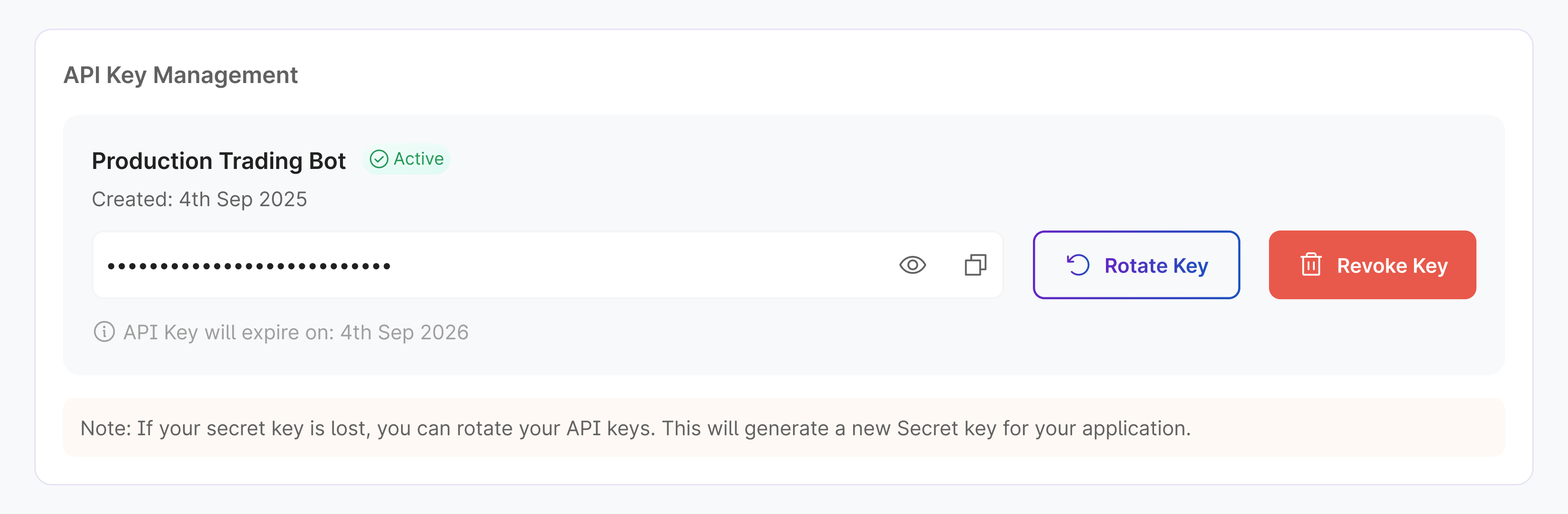
Rotate
Rotating an API key generates a new secret while keeping the same API key identifier. This process is ideal when you suspect your secret has been compromised or when you need to refresh credentials as part of routine security maintenance.
Important: After rotation, the old secret becomes invalid immediately. You must update all applications and integrations with the new secret to maintain functionality.
Revoke
Revoking an API key permanently disables both the key and its secret. Once revoked, all requests using that key will be rejected, and the key cannot be reactivated.
Use revocation when:
- You no longer need the API key
- You're leaving a team or organization
- You need to completely block API access for security reasons
Updated 10 months ago